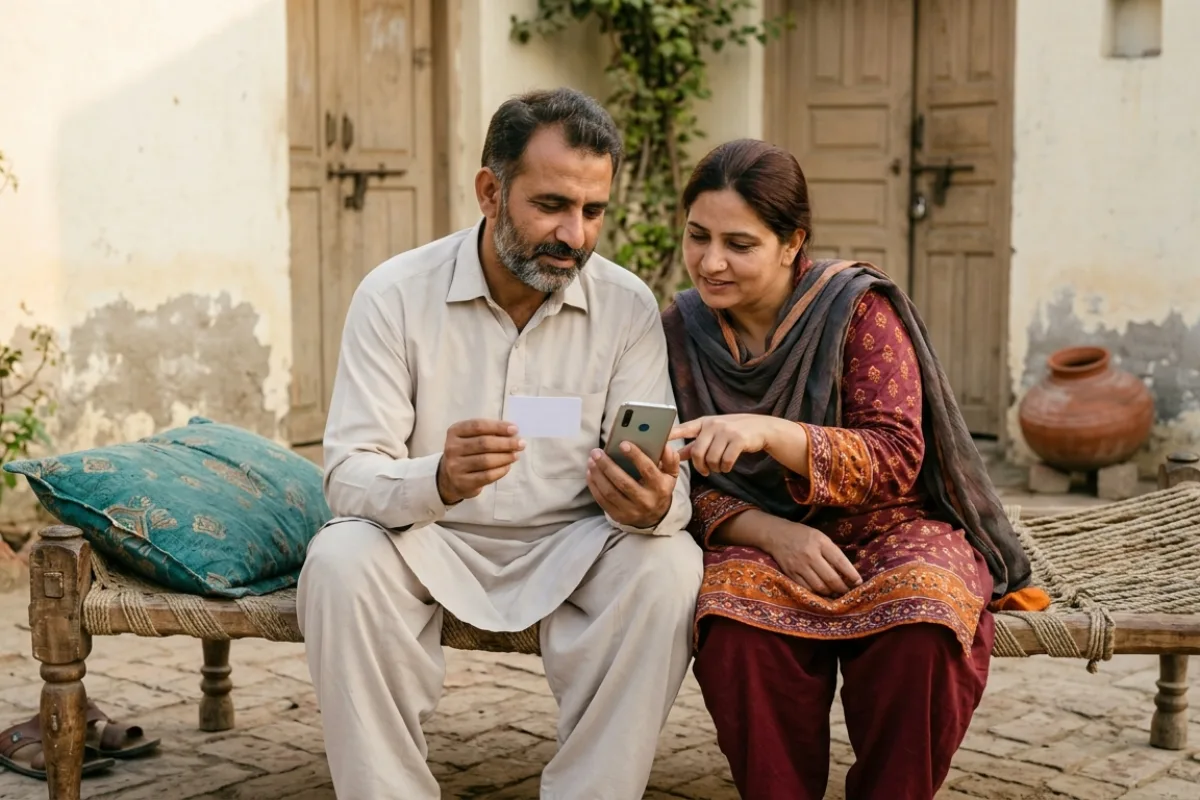
acag.punjab.gov.pk is the only official website for Punjab's Apni Chhat Apna Ghar (ACAG) interest-free house loan of up to Rs1.5 million. To apply online, open the site, tap "Apply for Construction of New House", register with your CNIC and a mobile number in your own name, verify the OTP, then log in to fill the eligibility and application forms. As of 28 October 2026 the portal is open, shows no last date, and the toll-free helpline is 0800-09100.
This is a walkthrough of the acag.punjab.gov.pk portal itself, written for people who search "acag punjab gov pk online apply", "acag login" or "acag complaint portal". We opened every public page and button on the live site on 28 October 2026 and describe what is really there. For the scheme rules in depth (loan terms, who qualifies, repayment), read our main Apni Chhat Apna Ghar scheme guide.
| Detail | Information |
|---|---|
| Official portal | https://acag.punjab.gov.pk (no other address is official) |
| Run by | Punjab Housing and Town Planning Agency (PHATA); site built by PITB |
| Schemes on the portal | Apni Chhat Apna Ghar (new house) and Apni Chhat Mehfooz Chhat (roof, room or extra floor) |
| Main loan | Up to Rs1.5 million, interest-free (bila sood qarza) |
| Login with | CNIC number + password + CAPTCHA |
| Forgot password | CNIC, then OTP by SMS and email, then a new password |
| Fee | None; the portal never asks for payment |
| Last date | None shown on the portal (checked 28 October 2026) |
| Helpline | 0800-09100 (toll-free) |
| Live counter (28 Oct 2026) | 223,547 loans, PKR 291,440.5 million disbursed |
What Is acag.punjab.gov.pk?
ACAG stands for Apni Chhat Apna Ghar ("my own roof, my own home"). It is the Punjab government's interest-free loan for families who own a small plot but cannot afford to build on it. People spell it many ways in search: Apni Chat, Apni Chhat, acga, agac or acage. They all mean the same programme.
The portal is where the whole process starts. You register, apply, log in later to see your file, and ask for your second instalment there. The Punjab Housing and Town Planning Agency (PHATA) runs the programme, and the Punjab Information Technology Board (PITB) built the site. The same portal also handles Apni Chhat Mehfooz Chhat, the smaller loan for roof repair, an extra room or an extra floor.
In short, the scheme is for a Punjab resident (by CNIC), aged 21 to 60, who is the sole owner and possessor of a plot up to 5 marla in a city or 10 marla in a village, with no criminal record and no loan default. Full rules, repayment and monthly kist details are in the scheme guide.
How to Reach the Real Site and Spot Fake Look-Alikes
Many people type "acag.punjab .gov.pk" with a space, or "acag punjab gov pk". Google then shows a mix of the real portal and private sites that copy its name. Some of these copies use words like "apni chat apna ghar" in a .pk, .com or .org.pk address. They may look official, but they are not run by the government.
Use these checks before you type your CNIC anywhere:
- The address must end in .punjab.gov.pk. Type acag.punjab.gov.pk yourself in the browser bar, with no spaces. Leave out "www": in our test on 28 October 2026, www.acag.punjab.gov.pk did not open, while the plain address did.
- Look at the footer. The real site says "Powered by PITB" and shows the toll-free number 0800-09100 on the home page.
- No fee, ever. The real portal has no payment page. Anyone asking for a "registration fee", "file charges" or "approval fee" is a fraud.
- No WhatsApp apply. No official WhatsApp number or SMS code is published for ACAG.
- Never share your OTP. The portal sends a one-time PIN by SMS and email. Only you should type it.
The Punjab government's own punjab.gov.pk lists the portal under "Digital Platforms", which is a safe way to reach it if you are unsure. If you already gave your CNIC or money to a fake site, see the scam steps on our helpline page.
Every Button on the ACAG Portal Explained
The home page is short. Here is what each part does, as it appeared on 28 October 2026.
| Button or section | What it does |
|---|---|
| About Program (top menu) | Background on the programme, its execution models and steering committee |
| Eligibility Criteria | Side-by-side table of rules for Apni Chhat Apna Ghar and Mehfooz Chhat |
| Contact Us | PHATA phone numbers and email |
| Login | Applicant login with CNIC, password and CAPTCHA |
| Admin | Staff login with a username; not for applicants |
| Message from Chief Minister | CM Maryam Nawaz's welcome note ("Read More" opens the full English and Urdu text) |
| Toll-Free Helpline 0800-09100 | Tap to call on a mobile phone |
| New Application: Apply for Construction of New House | Opens the registration form for the Rs1.5 million ACAG loan |
| New Application: Apply for Addition of New Floor/Room | Opens the Mehfooz Chhat loan categories |
| Existing Applicants: Request for Release of 2nd Installment | Takes you to Login; the request is made from your account |
| Existing Applicants: Request for Change of Loan Category | Takes you to Login; for applicants who need to switch loan type |
| Counter | Loans disbursed, amount disbursed, houses completed, houses under construction |
| "Important News" pop-up | Early payment rebate: 20% off the outstanding principal if you repay in full in years 1 to 3, 10% in years 4 to 6 |
Inner pages
Once you open any inner page, the menu adds two more links: District Quota and Register.
- About Program: explains three models (state land with developers, low-cost units in private schemes, and interest-free loans). Some text here is old, for example a target of 100,000 houses and a 7-year tenure. The government's current target is 500,000 houses in five years, so treat this page as background only.
- Eligibility Criteria: the current rules. For the main ACAG loan the ticked rows are Punjab residence, sole ownership of a plot (5 marla urban, 10 marla rural), age 21 to 60, no criminal record and no loan default. The PMT score of 60 or less row is ticked only for Mehfooz Chhat, along with owning a built house.
- District Quota: a table splitting 17,500 loans across 36 districts (for example Lahore 1,690). This was the first-phase quota; the programme has since given out more than 220,000 loans, so the table is out of date.
- Contact Us: 042-99213419 and 99213428, email info@phata.punjab.gov.pk.
The Admin button asks for a staff username, not a CNIC. It is for PHATA, district office and partner staff. Applicants should always use the normal Login button.
ACAG Registration Online: Create Your Account
You need an account before you can apply. Registration takes about ten minutes if your papers are ready. Keep your CNIC, your father's or husband's CNIC and your phone with you.
- Open acag.punjab.gov.pk and tap "Apply for Construction of New House". (For Mehfooz Chhat, tap "Apply for Addition of New Floor/Room", choose your category, then tap Apply.)
- In Registration Category, choose Citizen (shehri). The other option is for sponsors and developers.
- Type your full name exactly as on your CNIC, then your 13-digit CNIC.
- Choose your relation (son of, wife of and so on), then enter your father's or husband's name and CNIC.
- Select gender. Email is optional, but useful because OTPs are also sent there.
- Select your mobile network and enter your mobile number. The portal says the number must be registered in the applicant's own name. If you moved your number to another network (ported), the network field is compulsory.
- Select division, district and tehsil, and type your city.
- Tap Get Verification Code, then set and confirm a password.
- Tap Register. A box asks you to check your name, father's name, CNIC and mobile number. The portal warns these cannot be changed after registration, so read them twice.
- Tap Confirm & Register and type the OTP sent by SMS and email. The OTP expires in 30 minutes.
Use a SIM in your own name. If the SIM is in a relative's name, the OTP and later status messages may not reach you, and the portal asks for a number registered to the applicant.
acag punjab gov pk Online Apply: Step by Step
After registration, the application itself is done from your account. The Punjab government's scheme page describes three stages: registration, an eligibility form, then the application form.
- Log in with your CNIC and password (details below).
- Fill the eligibility form. This is a short self-declaration (certificate) where you confirm that you meet each rule.
- Fill the application form. Add your plot details and basic information, and attach the files asked for. Common papers are your CNIC and proof of plot ownership such as a fard or registry. Our documents checklist lists them.
- Submit and note your application details for later.
- Wait for the lender's call. Applications go to partner lenders: the Bank of Punjab and microfinance institutions such as Akhuwat, NRSP and RCDP. Their staff check your file and visit your plot.
- Complete the loan papers. In one district, applicants reported pledging their plot, giving guarantee cheques and opening a Bank of Punjab account (Express Tribune, 25 August 2026). Your lender will tell you what it needs.
- Receive the money. The government says the loan is paid into your bank account in two tranches, and you build the house yourself.
If you have no smartphone or internet, district offices can help. For Mehfooz Chhat, ProPakistani reported in July 2026 that people can also apply through DC, AC and PHATA offices. You can also call 0800-09100 and ask where help is available in your district.
ACAG Login and Forgot Password
Searches like "acag login", "https //acag.punjab.gov.pk login" and "apni chhat apna ghar login" all lead to the same page: acag.punjab.gov.pk/Login.aspx.
- Tap Login at the top of the home page.
- Enter your CNIC number and password.
- Type the CAPTCHA text and tap Login.
Forgot password? Tap "Forgot Password?" under the login box. Enter your CNIC, tap Get OTP, type the PIN sent by SMS and email, then set a new password. The OTP is valid for 30 minutes. If no OTP arrives, the mobile number on your account may be switched off or changed; call 0800-09100.
Logged-in sessions end after about 30 minutes, with a warning shortly before. Save your work as you go. For error messages and fixes, read our login portal guide. Note that the federal PM scheme uses a different site, apnaghar.gov.pk; see PM Apna Ghar vs Apni Chhat Apna Ghar.
Check Your ACAG Application Status
The portal has no public "track by CNIC" box on the home page. You see your file's progress by logging in to your own account. Messages are also sent by SMS and email to the contact details you registered.
For a full walkthrough of what each stage means and when to worry, see our ACAG status check by CNIC guide. If you are looking for names on a district list, see the Apni Chhat Apna Ghar list page.
Request for Release of 2nd Installment
The loan comes in two parts. After the first part, you start building. When the work your lender asked for is done, you ask for the second part (doosri kist) on the portal.
- On the home page, tap "Request for Release of 2nd Installment". It opens the login page.
- Log in with your CNIC and password.
- Find the second instalment request in your account and submit it.
- Expect a site visit. The lender checks that construction has reached the required stage before releasing money.
The portal does not publish the exact construction stage needed for the ACAG new-house loan. For Mehfooz Chhat Category 02 (extra storey), it says the second tranche is at lintel level. Ask your lender's field officer which stage applies to you before you request.
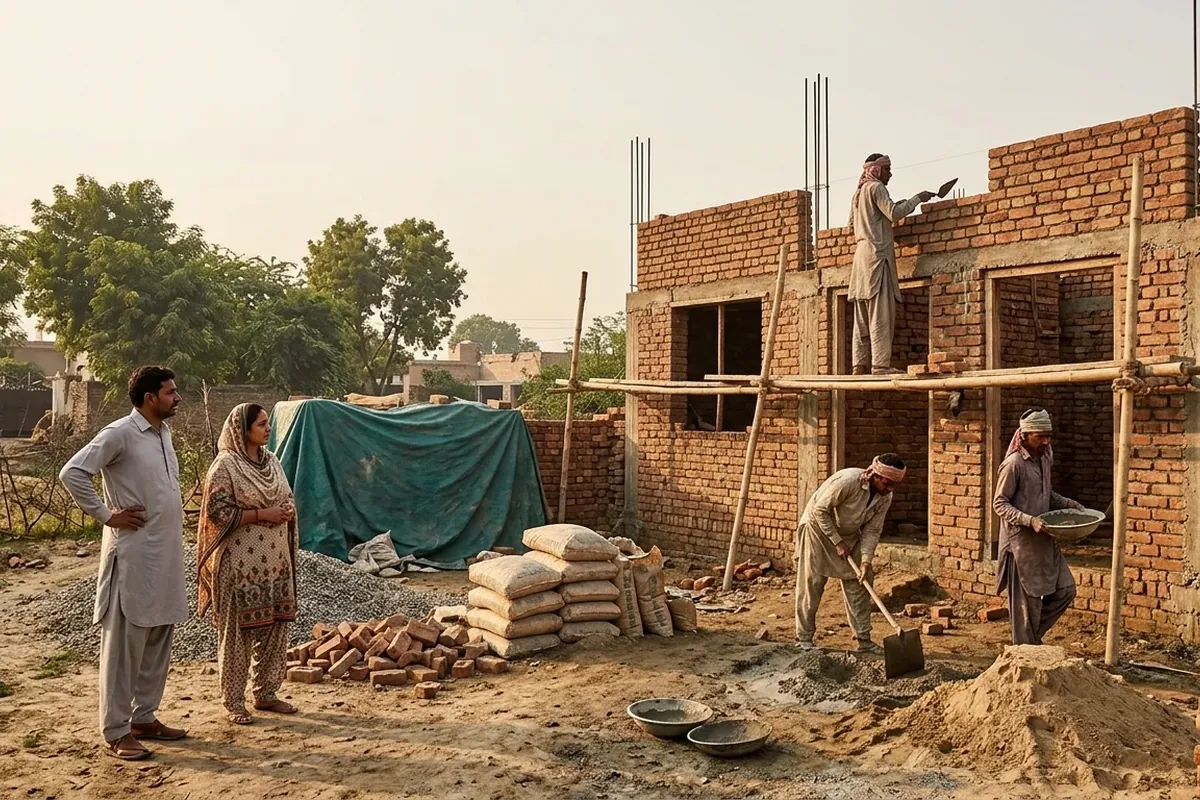
Delays do happen. The Express Tribune reported on 25 August 2026 that some Vehari applicants approved between January and June 2026 were still waiting for their first instalment, and lenders said funds would follow once the government transferred them. If your request is stuck, use the complaint routes below.
ACAG Complaint Portal: Where to Complain
There is no separate complaint form on acag.punjab.gov.pk. "ACAG complaint portal" searches usually come from people with a stuck file or a missing instalment. These are the official routes, in the order we suggest:
| Route | Contact | Use it for |
|---|---|---|
| ACAG helpline | 0800-09100 (toll-free) | First call for any ACAG or Mehfooz Chhat problem |
| PHATA (portal "Contact Us") | 042-99213419, 99213428; info@phata.punjab.gov.pk | Written follow-up with your CNIC and screenshots |
| Your lender | Field officer or branch of Akhuwat, NRSP, RCDP or Bank of Punjab | Verification visits, loan papers, instalment release |
| Chief Minister Complaint Center | 0800-02345 | Complaint against a Punjab department when the helpline does not solve it |
| Maryam Ko Batayn | Short code 1000, plus app and web portal | Punjab grievance and relief line with complaint tracking |
| Pakistan Citizen's Portal (PMDU) | citizenportal.gov.pk or the app | Formal complaint against PHATA or the housing department |
| Corruption complaints | 1350 | Anyone asking for a bribe or "file fee" |
The 0800-02345, 1000 and 1350 numbers are listed on the official punjab.gov.pk helplines page. For the steps to register on the Citizen's Portal, and for cybercrime and scam reporting, see our helpline number guide. Always note the complaint number you are given.
acag punjab gov pk Online Apply Last Date
As of 28 October 2026, the portal shows no last date, no "registration closed" notice and both New Application buttons are live. Applications are taken on a rolling basis while the programme is funded.
Some websites claim a "31 October 2026" deadline. We found no official source for it. A real closing date would first appear on the portal itself, on punjab.gov.pk and in major newspapers. Our last date page tracks this for every Apna Ghar scheme.
ACAG Helpline and Latest Figures
The ACAG helpline is 0800-09100, free from any phone. It is printed on the portal home page. Keep your CNIC, registered mobile number and district ready when you call.
The portal counter on 28 October 2026 showed:
- 223,547 loans disbursed
- PKR 291,440.5 million (about Rs291 billion) disbursed
- 127,376 houses completed
- 64,463 houses under construction
The government's target is 500,000 houses in five years. Families who won a free plot under Apni Zameen Apna Ghar can also use this loan to build.
Common Portal Mistakes to Avoid
- Using someone else's SIM. OTPs and alerts go to the registered number, and it must be in your name.
- Spelling errors at registration. Name, father's name, CNIC and mobile cannot be changed later.
- Applying on a copy site. Only acag.punjab.gov.pk counts.
- Paying an agent. Applying is free; agents cannot speed up approval.
- Wrong scheme button. New house on an empty plot: "Construction of New House". Existing house: Mehfooz Chhat.
- Asking for the second instalment too early. Confirm the required stage with your lender first.
Frequently Asked Questions
The only official website is acag.punjab.gov.pk. Any other address using "apni chat" or "acag" in a .com, .pk or .org.pk domain is not a government site.
Tap "Apply for Construction of New House", register as a Citizen with your CNIC and a mobile number in your name, verify the OTP, then log in and fill the eligibility and application forms with your plot documents.
No. The portal has no payment page. Anyone asking for a registration or approval fee is a fraud; report bribe demands on 1350.
No last date has been announced. On 28 October 2026 the portal was open with no closing notice. Claims of a 31 October 2026 deadline have no official source.
On the login page tap "Forgot Password?", enter your CNIC, tap Get OTP, type the PIN sent by SMS and email within 30 minutes, and set a new password.
The ACAG site has no complaint form. Call 0800-09100 first, then email info@phata.punjab.gov.pk. If unresolved, use the CM Complaint Center 0800-02345, Maryam Ko Batayn 1000 or the Pakistan Citizen's Portal.
Tap "Request for Release of 2nd Installment" on the home page, log in and submit the request. The lender then verifies your construction before releasing the money.
The portal says name, father's name, CNIC and mobile number cannot be changed after registration. Check them carefully before you confirm. If there is a genuine error, call 0800-09100.
Admin login is for PHATA, district and partner staff and uses a username. Applicants should use the normal Login button with their CNIC.
The current eligibility table on the portal ticks the PMT 60 or less rule only for Mehfooz Chhat, not the new-house loan. An older punjab.gov.pk page still mentions it, so confirm on 0800-09100.
The toll-free ACAG helpline is 0800-09100. PHATA's office numbers on the portal are 042-99213419 and 99213428.
Disclaimer: Apna Ghar Guide is an independent information site, not a government website. Always apply through official portals. Information verified from acag.punjab.gov.pk and its sub pages (read 28 October 2026), punjab.gov.pk scheme, helplines and Maryam Ko Batayn pages (28 October 2026), the Punjab government's UN-Habitat practice submission (April 2026), The Express Tribune (25 August 2026), ProPakistani (18 July 2026) and ARY News (26 August 2024).