
1. Download Sindh Youth Card App
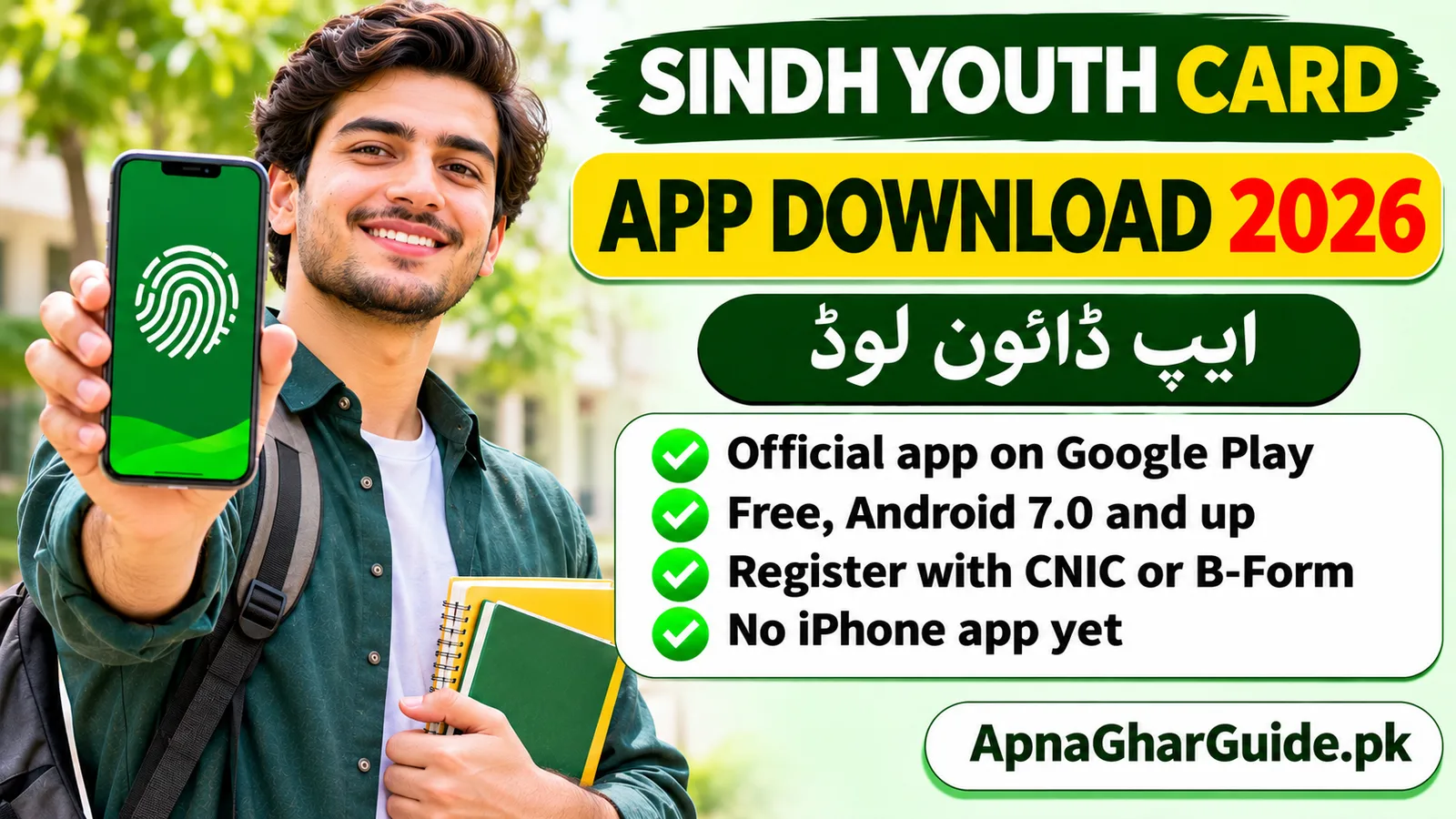
Get the official app on your Android phone and start your registration. There is no separate website form: the official website says all youth registrations are completed in the mobile app.

 App nameSindh Youth Card
 DeveloperSapphire Consulting Services
 RequiresAndroid 7.0 and up
 Version1.0.0 (updated 18 Nov 2026)
 Rating4.3 stars from 274 ratings (24 Nov 2026)
 PriceFree
 Package name
pk.gos.sindhyouthcard Official websitesindhyouthcard.gos.pk (opens in a new tab)
Official download link: play.google.com/store/apps/details?id=pk.gos.sindhyouthcard (opens in a new tab). This is the same link the official website uses. Already registered? Open the app and sign in, or use Sign In on sindhyouthcard.gos.pk.
2. How to Download and Install
Follow these steps to get the app on your phone.
 Open Play Store
Open the Google Play Store on your Android phone, or tap the Google Play link on sindhyouthcard.gos.pk.
- Search the app
Type "Sindh Youth Card" and check that the developer is Sapphire Consulting Services.
- Install
Tap Install and wait for the download to finish. Use Wi-Fi if your data is slow.
 Open and register
Open the app and sign up with your CNIC or B-Form and the NADRA biometric check, then activate your card.
Age 18 to 29
- 13-digit CNIC
- Mobile number
- Contactless NADRA biometric verification
Under 18
- 13-digit B-Form number
- Parent or guardian CNIC details
Requirements as listed on sindhyouthcard.gos.pk. The card is for youth aged 15 to 29 with a Sindh domicile. Check your age with our eligibility checker. Full rules and benefits are in our Sindh Youth Card 2026 guide.
3. App Features
The official website says that after signup you get access to merchant discounts, jobs, trainings and Raast. These are the main things the app does:
- Online registrationSign up with CNIC or B-Form
 NADRA biometric checkContactless, inside the app
 Digital youth cardActivated after signup
 Discounts and offersMerchant discounts
- Jobs and trainingsOpportunities in one place
 Raast paymentsDigital wallet access
 App Requirements
- Android phone with Android 7.0 or newer (Google Play)
- Free storage and a working internet connection
- A mobile number for the signup
- CNIC, or B-Form plus a parent's CNIC if under 18
- Sindh domicile and age 15 to 29 for the card
 App Not Working? Try This
- Check your internet connection or switch to Wi-Fi.
- Update the app and the Google Play Store.
- Clear the app's cache in phone Settings, then reopen it.
- Restart your phone and try again.
- Play says "not compatible"? Your phone may be older than Android 7.0.
- If the problem continues, call 021-99203009.
4. iPhone (iOS) App and APK Warning
 iPhone and iOS users
On 24 November 2026 there was no Sindh Youth Card app on the Apple App Store in Pakistan, and the official website linked only to Google Play. Searching "Sindh Youth Card" in the App Store gave no official result, so any iOS download link you see elsewhere is not official. Use an Android phone for now, for example a family member's, and check sindhyouthcard.gos.pk for an iPhone version.
Avoid APK files
- APK files shared on WhatsApp or Facebook
- "Sindh Youth Card APK" download websites
- Apps from any developer other than Sapphire Consulting Services
- Anyone asking for your OTP or a fee to install the app
5. Frequently Asked Questions
Yes. Google Play lists the Sindh Youth Card app as free. No fee for registration was mentioned on the official website or at the launch, so do not pay anyone for the app or the card.
Only from Google Play. The official website, sindhyouthcard.gos.pk, links to the app "Sindh Youth Card" published by Sapphire Consulting Services. Open it from the website link or search the name in the Play Store.
Not yet. On 24 November 2026 we found no Sindh Youth Card iOS app on the Apple App Store in Pakistan, and the official website linked only to Google Play. So there is no iOS download for now. Use an Android phone, for example a family member's, and watch the official website for an iPhone version.
Google Play lists Android 7.0 and up. If the Play Store says your device is not compatible, your phone is probably older than Android 7.0.
The Play Store page we checked does not show the download size. Keep a few hundred MB free and use Wi-Fi or a good data connection to be safe.
Adults aged 18 to 29 need a 13-digit CNIC, a mobile number and contactless NADRA biometric verification. Under 18s register with their B-Form number and a parent or guardian's CNIC details.
Register first in the app with your CNIC or B-Form and the NADRA biometric check. After that, open the app and sign in, or use the Youth Login at sindhyouthcard.gos.pk/youth/login with your mobile number (03XX-XXXXXXX) and password. Both have a Forgot Password option. If you still cannot sign in, call 021-99203009.
On 24 November 2026 Google Play listed version 1.0.0, updated on 18 November 2026. To get updates, open the app in the Play Store and tap Update. Do not download "new versions" from APK websites.
Do not install APK files shared on WhatsApp, Facebook or other websites. The only official source is the Google Play listing linked from sindhyouthcard.gos.pk. A fake app can steal your CNIC details and OTP.
Check your Android version (7.0 or newer), free some storage, connect to Wi-Fi, update the Google Play Store and restart your phone. If it still fails, call the helpline 021-99203009.
Google Play shows Sapphire Consulting Services as the developer, with sindhyouthcard.gos.pk as its website. The programme is run by the Sports and Youth Affairs Department, Government of Sindh, with JS Bank's Zindigi.
No official computer version is listed. Registration is done in the Android app; the website has a Sign In page for people who already have an account.
Disclaimer: ApnaGharGuide.pk is an independent information website and is not a government website. We do not offer the app or any download. App details were checked on 24 November 2026 on the official Google Play listing, the Pakistan App Store and sindhyouthcard.gos.pk.